
LeadPulse
How it works
Real screens from the real dashboard, at real mobile size — not mockups. Six steps from first login to running your own team.
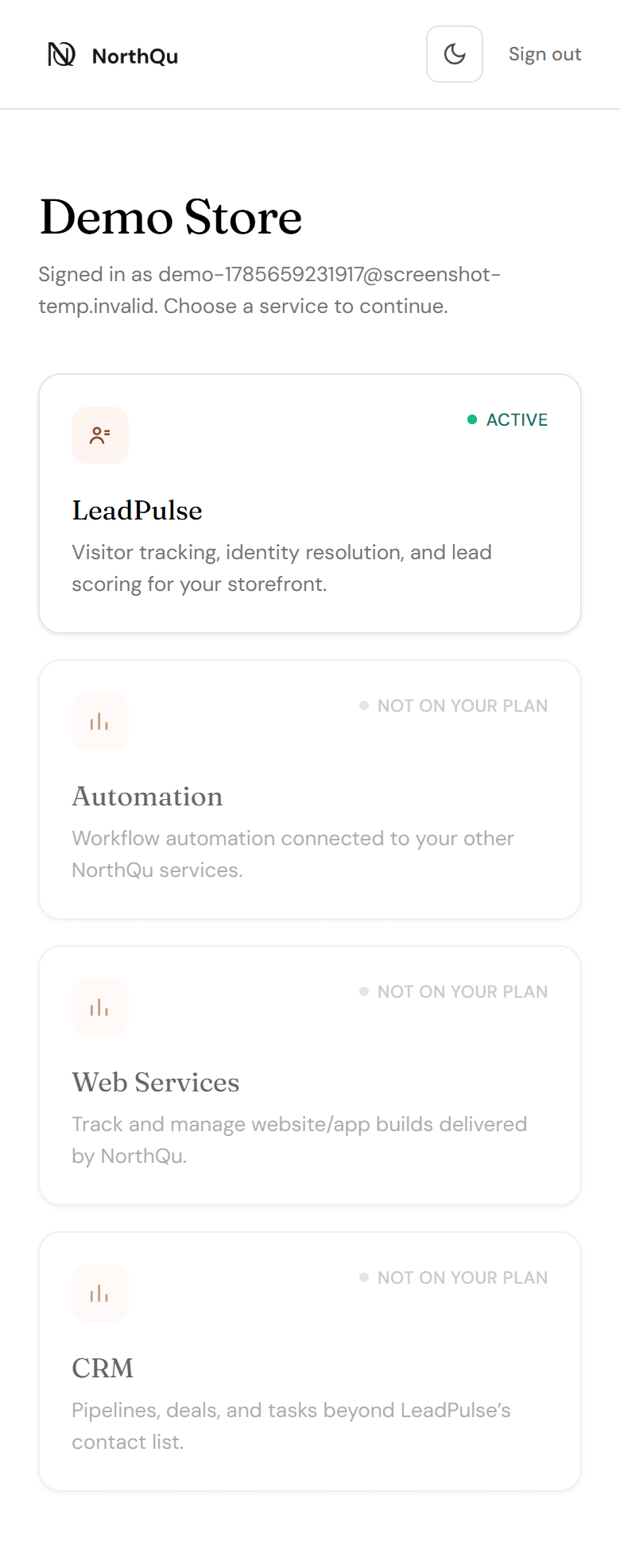
Sign in, pick a service
Every login lands on the service hub first — not straight into one product. If you only have LeadPulse today, that's the one card that's clickable; everything else shows honestly as "Coming soon" rather than a broken link.
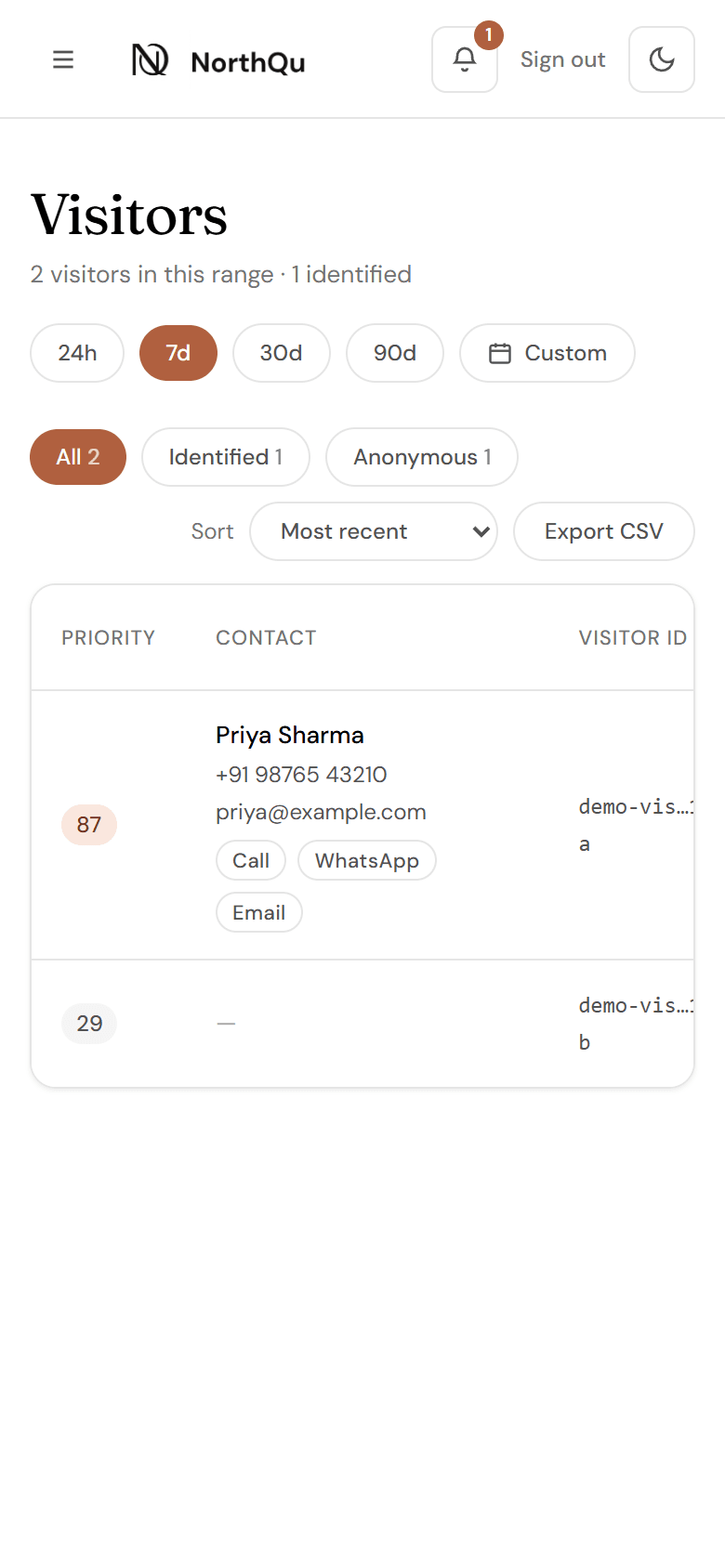
See every visitor, identified or not
One table for everyone who has touched your storefront. Anonymous browsing shows as a visitor ID and activity; the moment someone gives up a phone number or email, their whole prior history attaches to a real name — automatically, not something you have to go looking for.
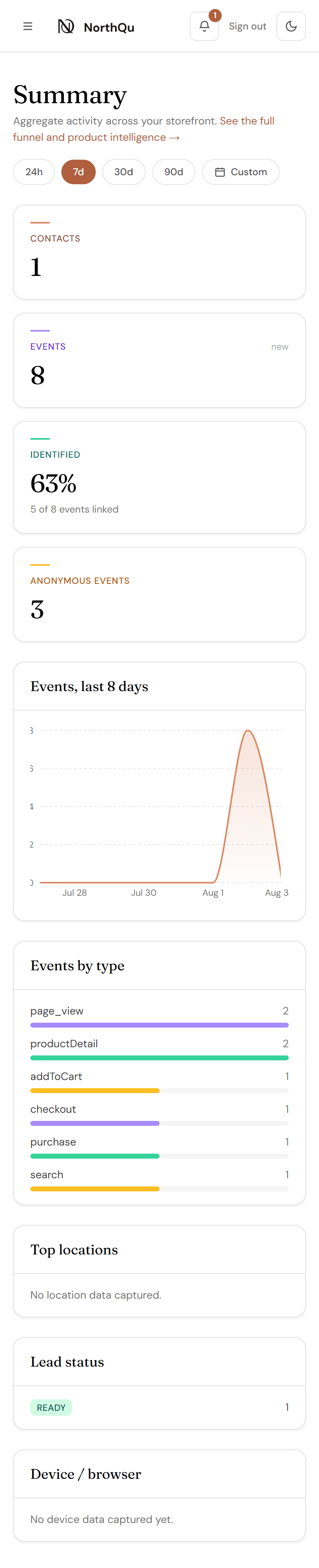
A quick-glance overview
Stat cards and an events-over-time chart for a fast read on what's happening, with a date-range picker (24h/7d/30d/90d/custom) scoping everything on the page.
The deep dive, when you need it
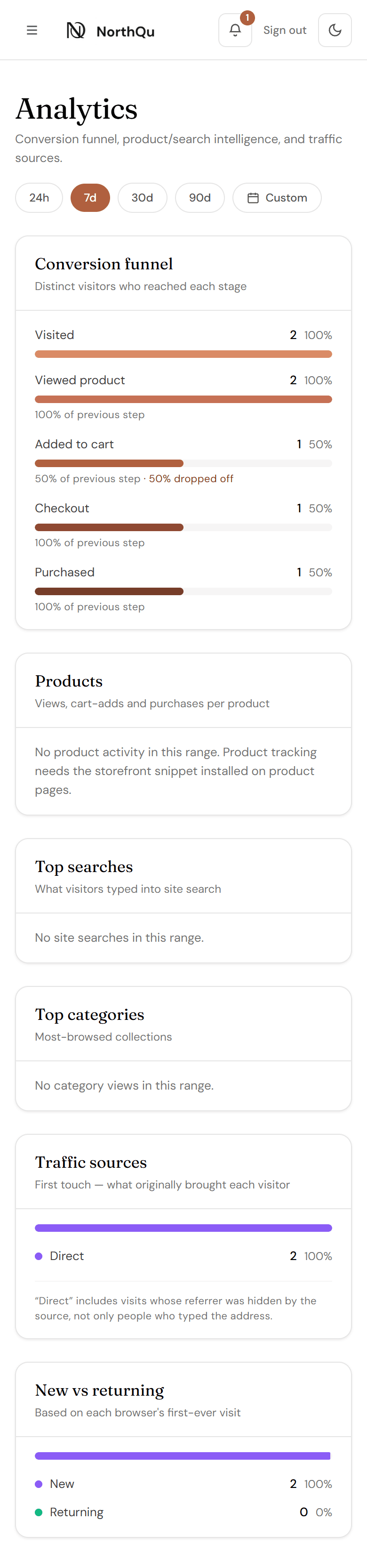
Conversion funnel, top products/searches/categories, and first-touch traffic sources — split into its own tab so Summary stays a quick check, not a long scroll.
Add your own team
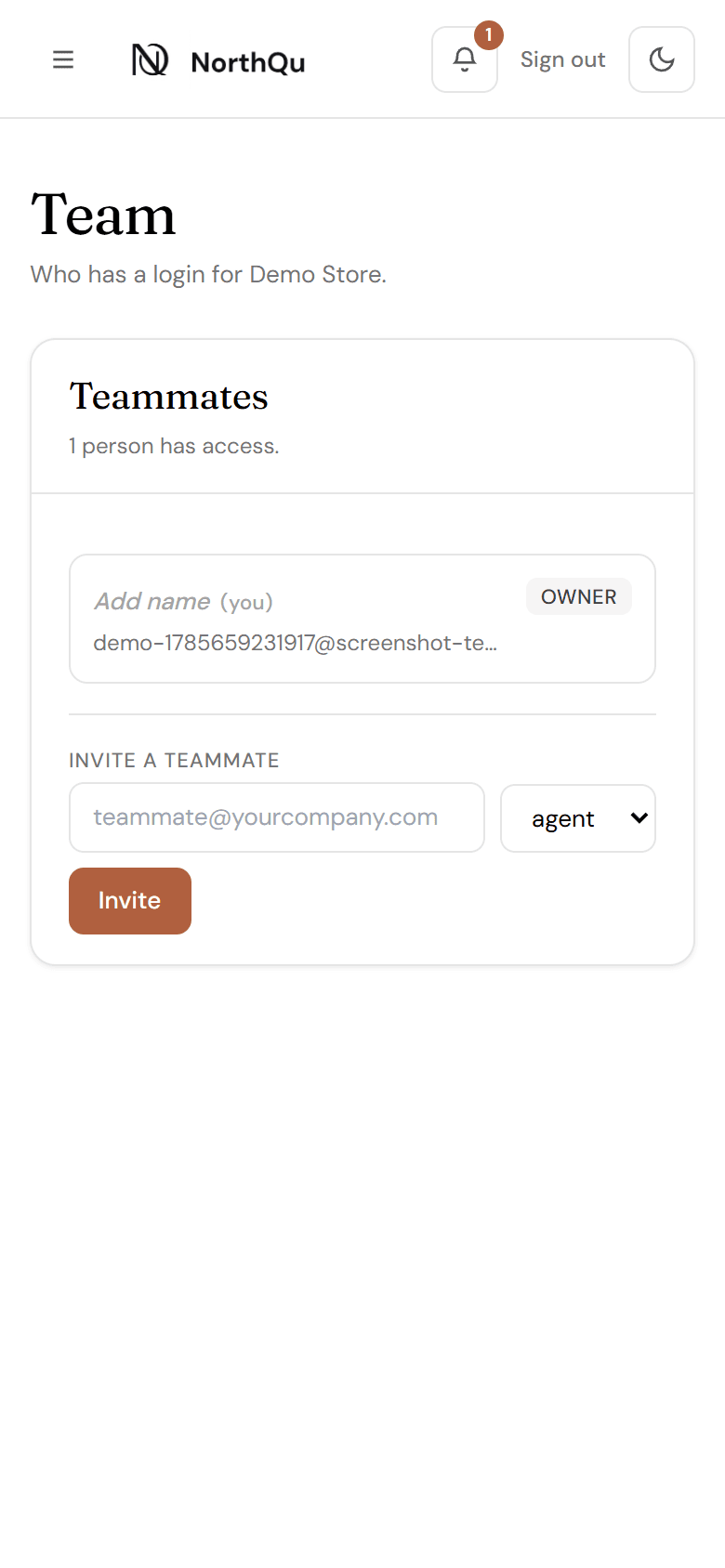
Invite teammates yourself — no waiting on us. Set a role, send the temporary password over a secure channel, done. Remove access just as directly when someone leaves.
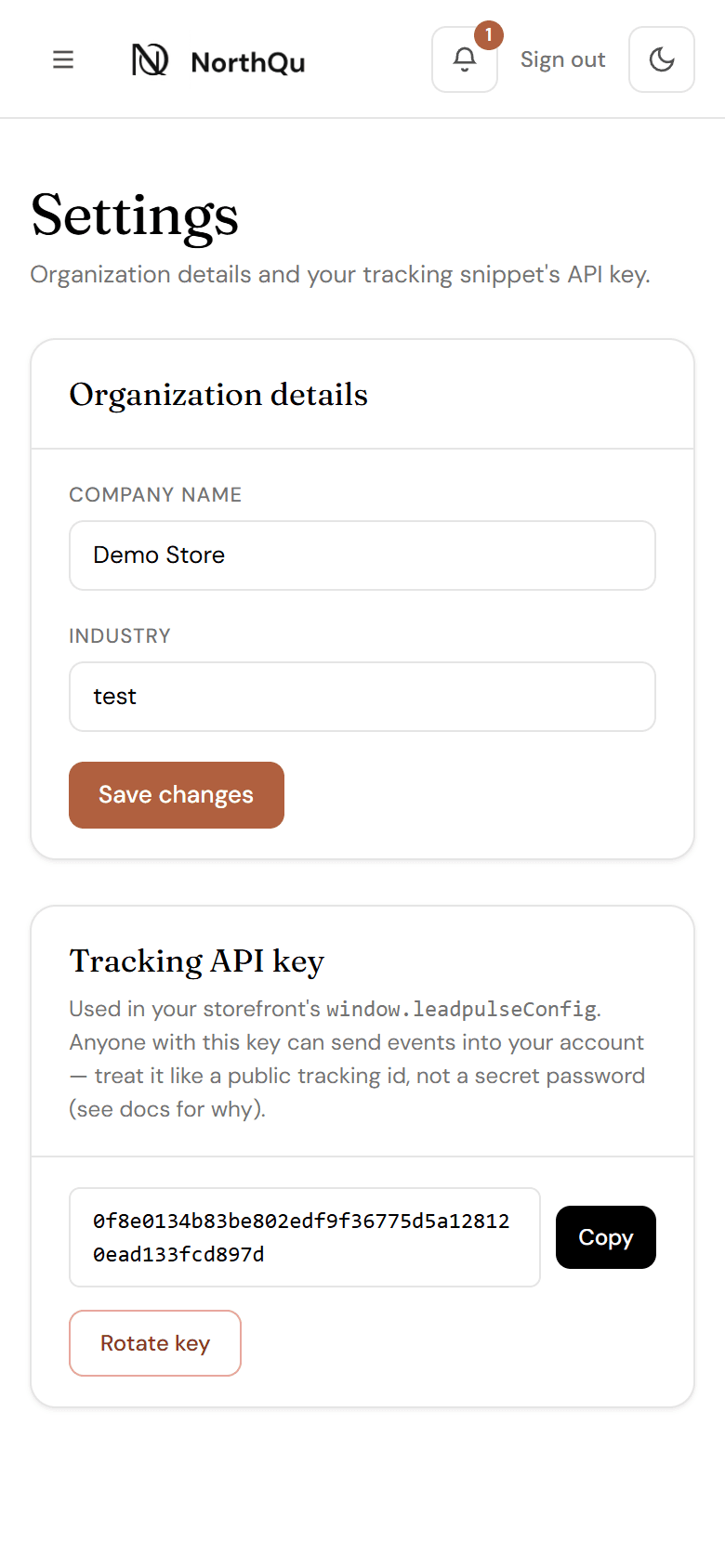
Your tracking key, in your control
View and rotate your storefront's tracking API key without emailing support. Rotating immediately retires the old key, so the dashboard is explicit about what happens next.